You don’t need an expensive office makeover to work comfortably from home. Many posture and comfort problems come from poor setup choices, not a lack of premium furniture.
A smart budget ergonomic home office setup focuses on proper positioning, a few high-impact accessories, and simple adjustments that dramatically improve comfort—without draining your wallet.
In this guide, we’ll show you how to build an ergonomic home office on a budget, step by step, using affordable, practical upgrades that deliver the biggest results.
⭐ Quick Budget Setup Recommendation
🟢 Best Budget Ergonomic Setup (Summary)
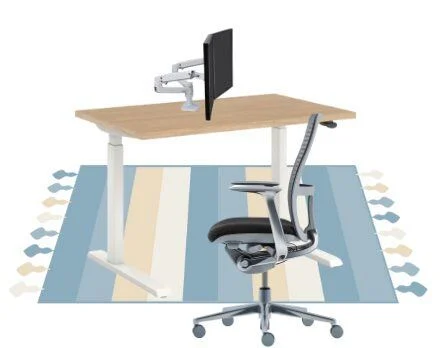
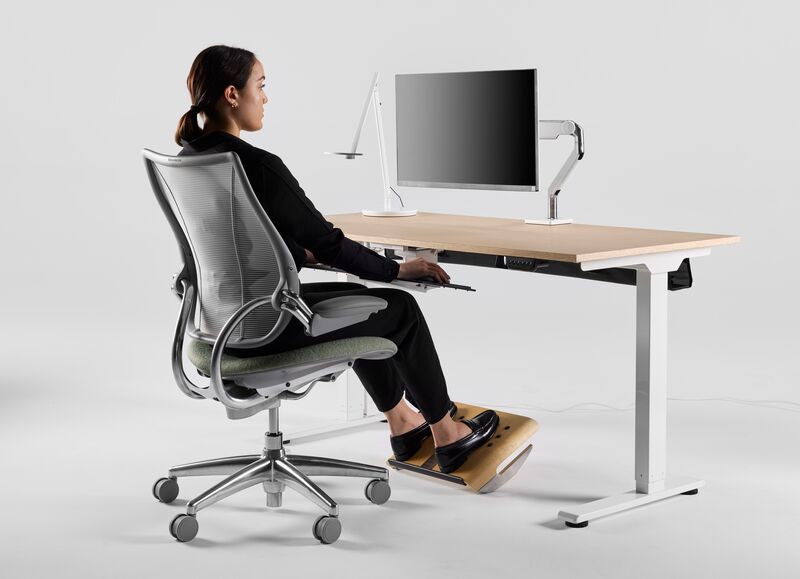
✔ Chair with basic lumbar support
✔ Monitor raised to eye level
✔ Keyboard & mouse positioned correctly
✔ Foot support for better posture
👉 Check Budget-Friendly Ergonomic Essentials on Amazon
🎯 Why Ergonomics Matter (Even on a Budget)
Poor ergonomics often lead to:
- Neck and lower-back pain
- Wrist and shoulder strain
- Fatigue and reduced focus
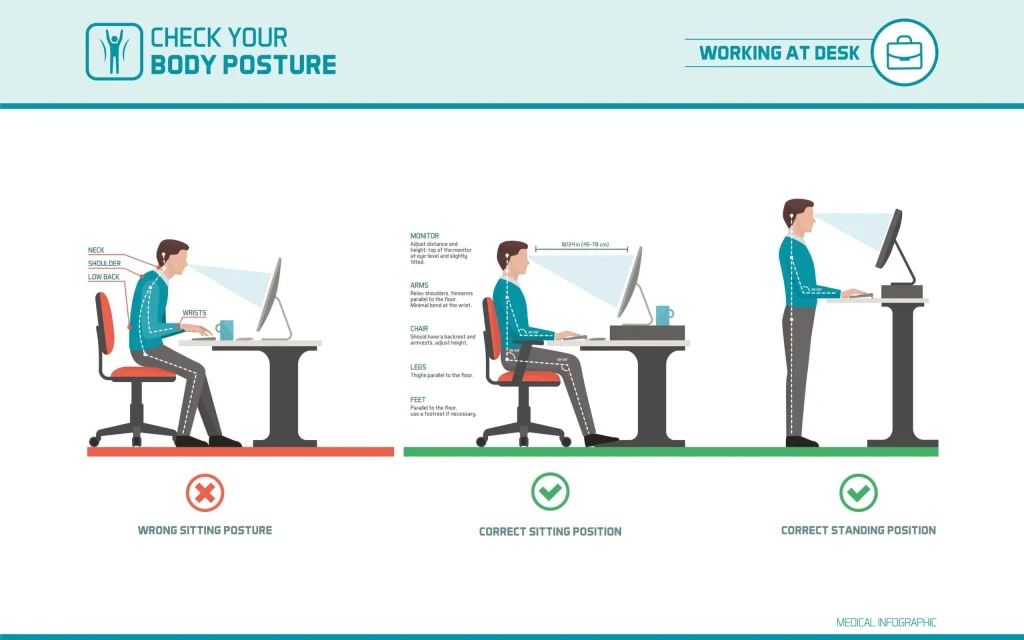
✅ A Proper Setup Helps By:
- 🦴 Supporting natural posture
- 💺 Reducing pressure on joints
- 🧠 Improving productivity
- ⏱️ Making long workdays sustainable
👤 Who This Budget Ergonomic Guide Is For (IMPORTANT)
This guide is perfect for you if:
✔ You work from home regularly
✔ You want better comfort without high costs
✔ You’re setting up a small or temporary office
This may NOT be ideal if:
❌ You already use premium ergonomic furniture
❌ You need medical-grade ergonomic solutions
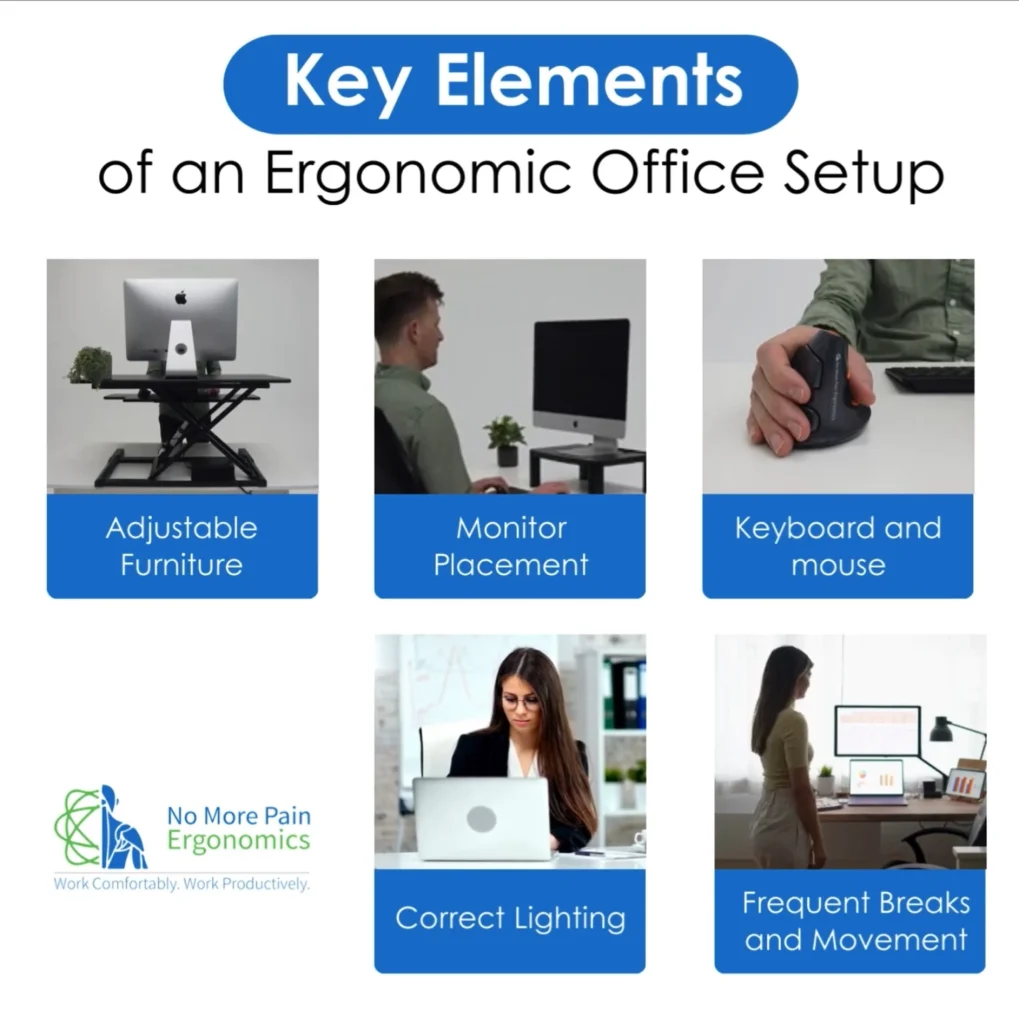
🧩 Step-by-Step: Budget Ergonomic Home Office Setup
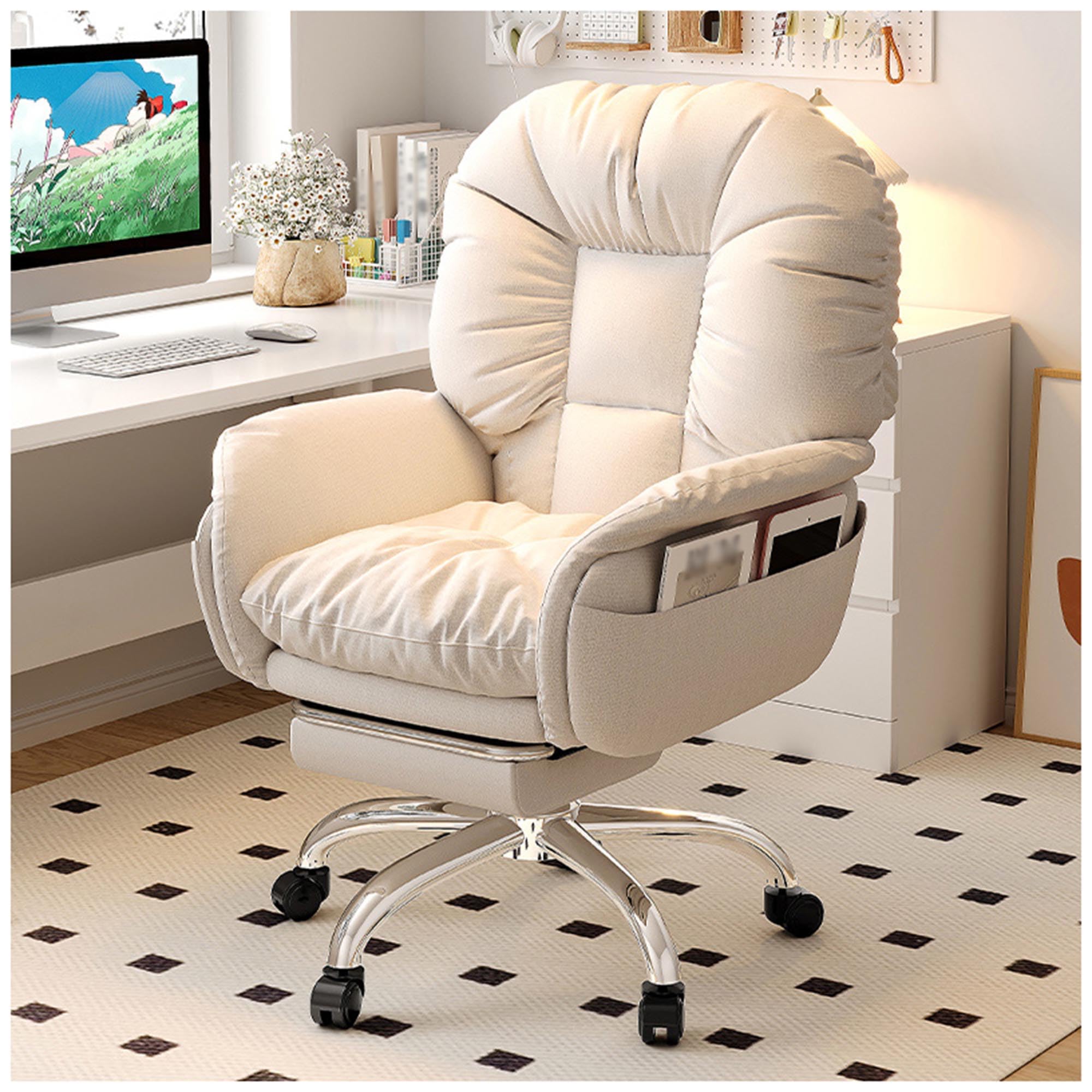
🪑 1. Start With the Chair (MOST IMPORTANT)
You don’t need a luxury chair—just basic lumbar support and adjustability.
Budget tips
- Choose a chair with adjustable height
- Add a lumbar cushion if needed
👉 Check Budget Desk Chairs on Amazon
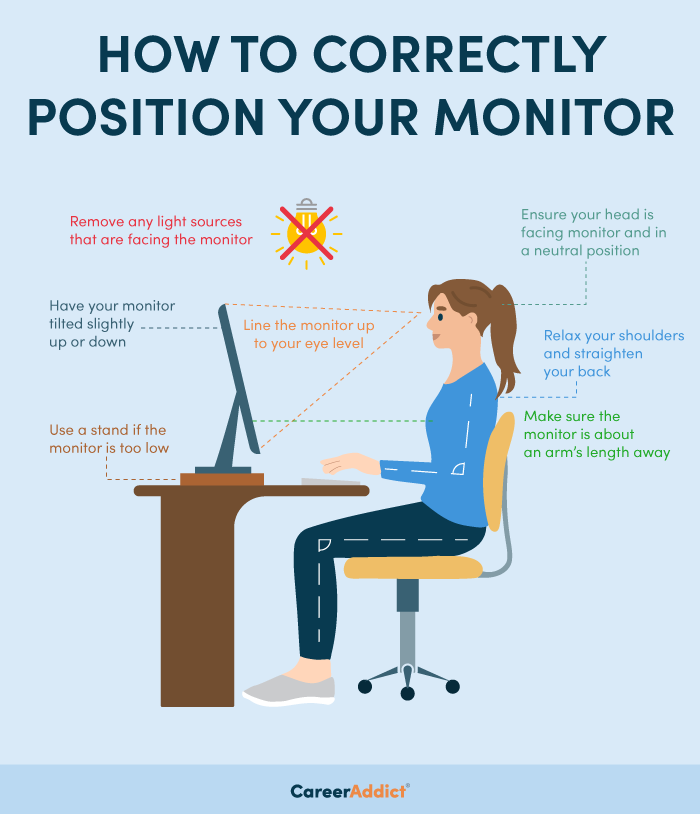
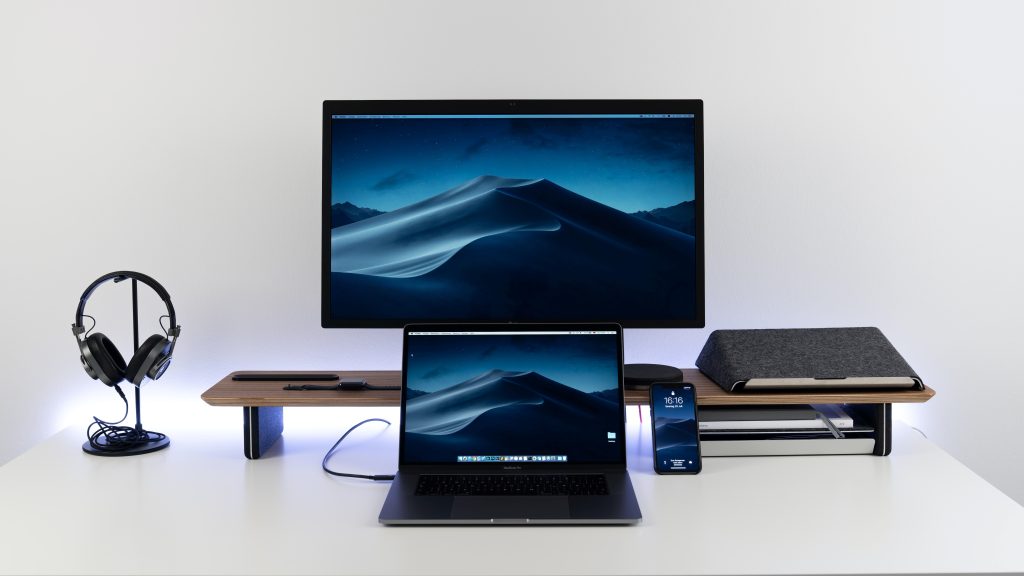
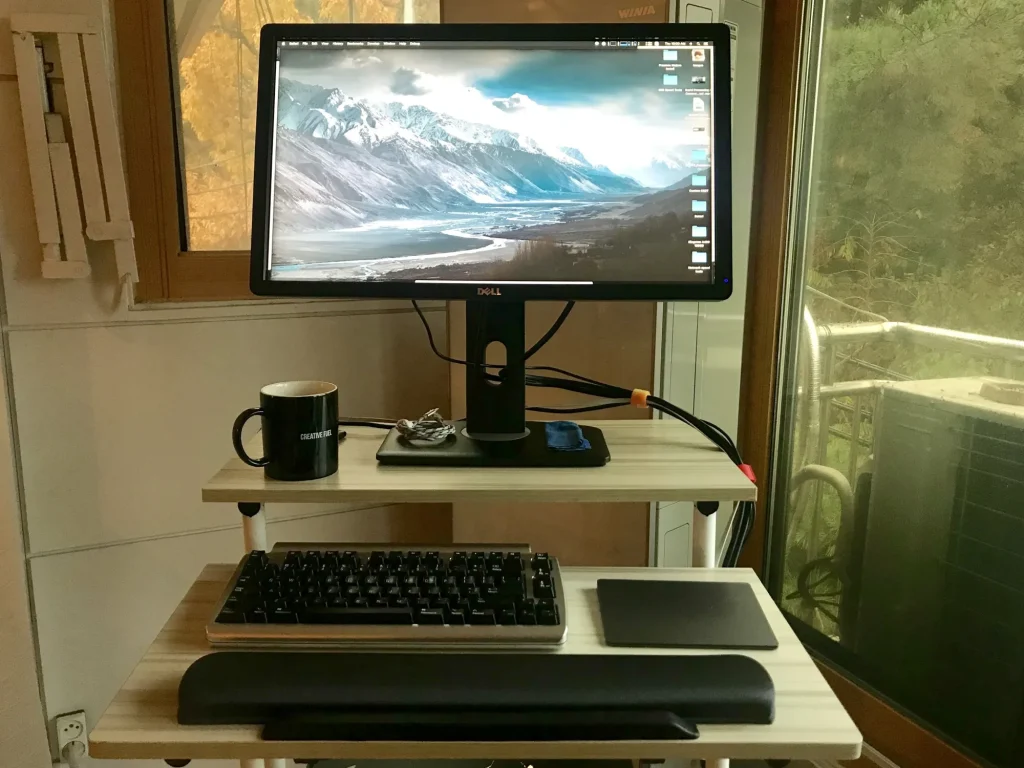
🖥️ 2. Raise Your Monitor to Eye Level
Looking down strains your neck.
Budget solutions
- Monitor riser
- Stack of books (temporary fix)
- Adjustable monitor arm (best long-term value)
👉 View Affordable Monitor Risers on Amazon
⌨️ 3. Improve Keyboard & Mouse Position
Wrists should remain neutral—not bent.
Budget solutions
- Wrist rest for keyboard & mouse
- Compact keyboard to save space
👉 See Budget Wrist Rests on Amazon
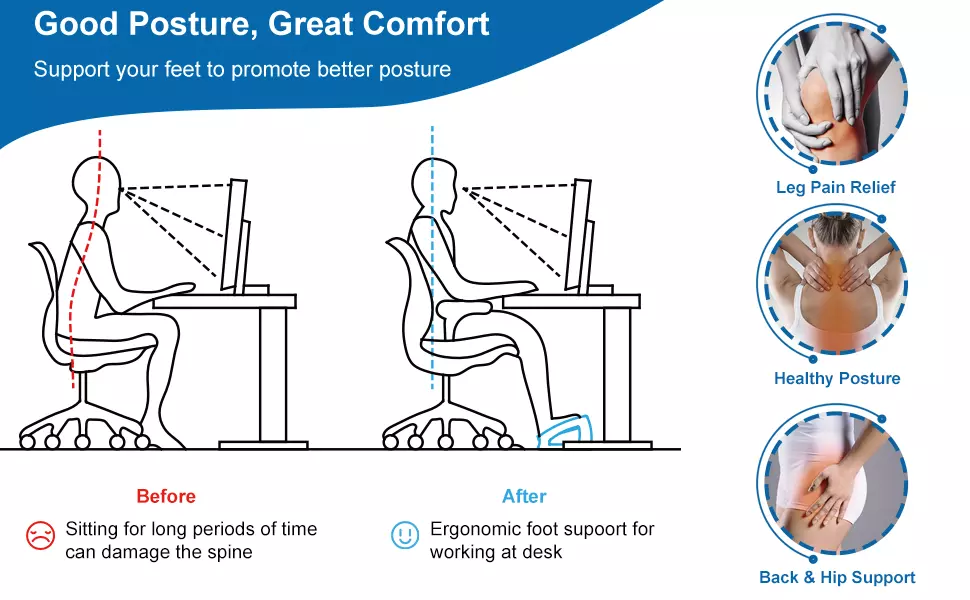
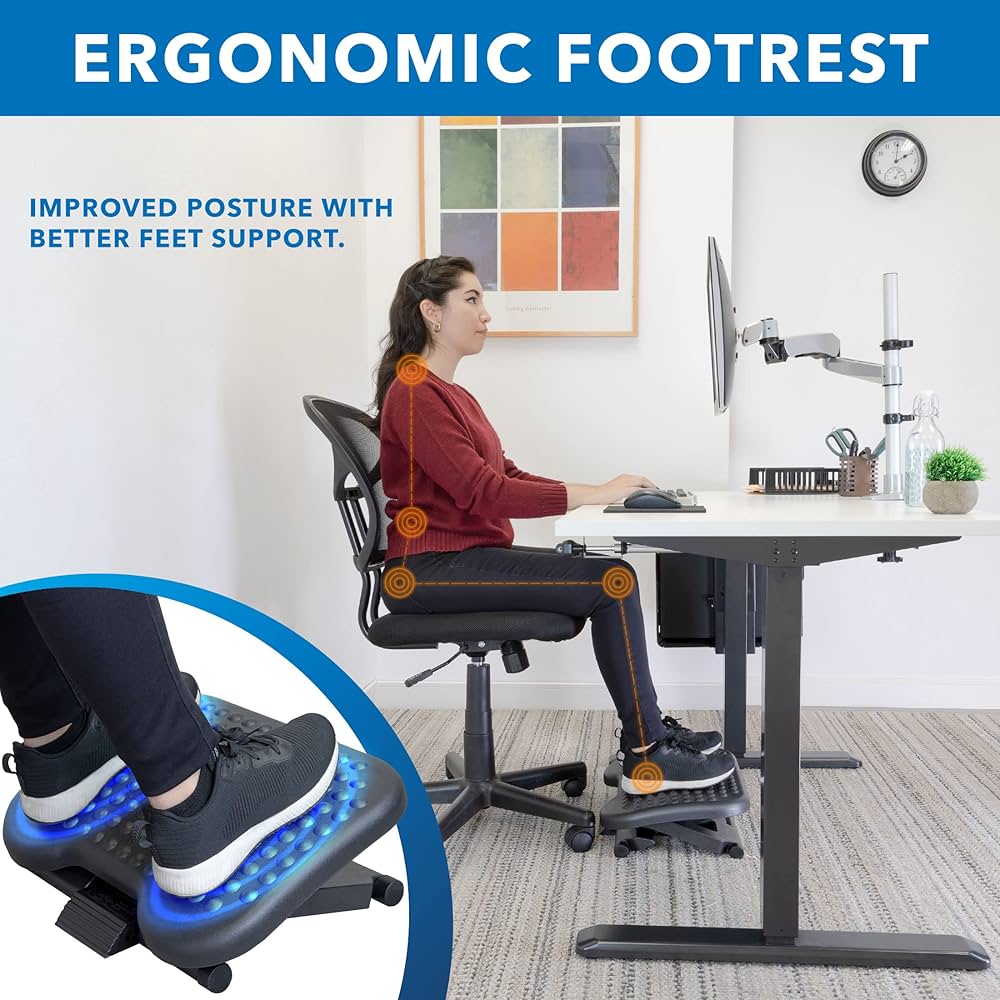
🦶 4. Support Your Feet & Legs
Dangling feet affect posture all the way up your spine.
Budget solutions
- Adjustable footrest
- DIY foot support (temporary)
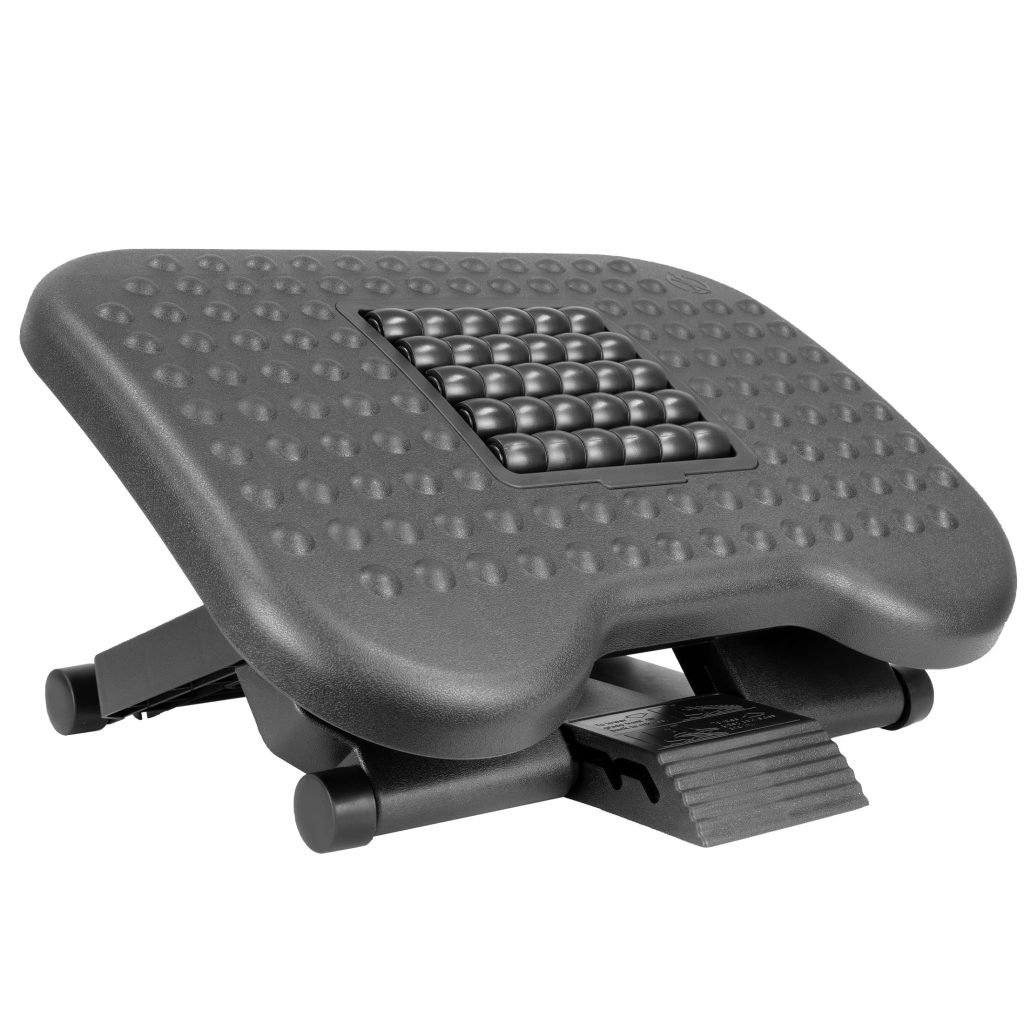
👉 Check Affordable Footrests on Amazon
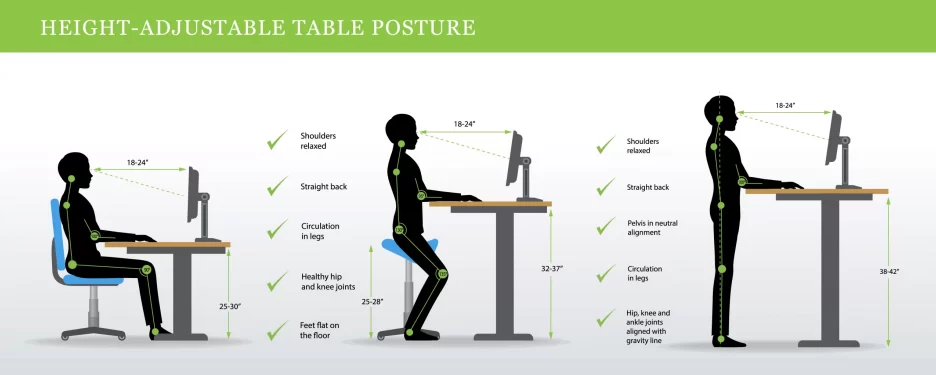
🔄 5. Alternate Sitting & Standing (Optional)
Standing doesn’t require a full standing desk.
Budget solutions
- Sit–stand desk converter
- Elevated laptop stand
👉 View Budget Desk Converters on Amazon
🧹 6. Keep the Desk Organized
Clutter ruins ergonomics.
Budget solutions
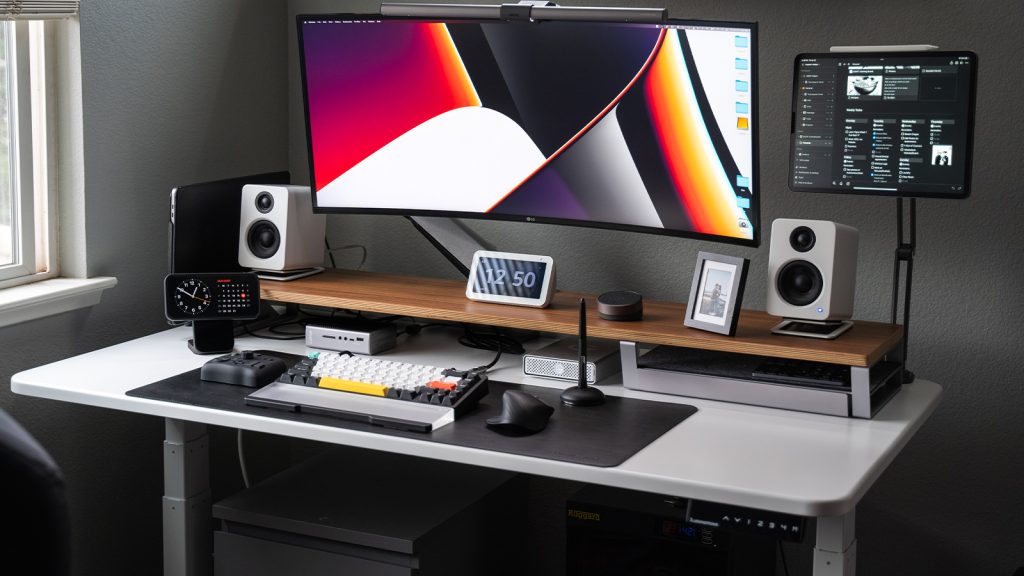
- Desk organizers
- Cable clips
👉 See Desk Organization Accessories on Amazon
💰 Sample Budget Ergonomic Setup (Realistic Example)
| Item | Budget Range | Impact |
|---|---|---|
| Desk Chair | Low–Mid | High |
| Monitor Riser | Low | High |
| Wrist Rest | Low | Medium |
| Footrest | Low | Medium |
| Desk Organizer | Low | Medium |
❓ Frequently Asked Questions
Can I build an ergonomic setup under a tight budget?
Yes. Prioritize chair height, monitor position, and foot support first.
What’s the most important ergonomic upgrade?
Chair + monitor height deliver the biggest comfort improvement.
Is standing necessary?
No. Alternating posture is helpful but optional.
🧠 Final Verdict: Ergonomics Don’t Have to Be Expensive
A comfortable home office isn’t about spending more—it’s about setting things up correctly. With a few affordable accessories and smart adjustments, you can dramatically reduce discomfort and work better every day.
🎯 Our recommendation:
Start with chair height and monitor position, then add small accessories as your budget allows.
👉 Check Budget-Friendly Ergonomic Essentials on Amazon
🔗 Related Guides & Reviews
📌 Best desk chairs for long hours
📌 Best desk organizers for small home offices
📌 Best wrist rests for keyboard & mouse